
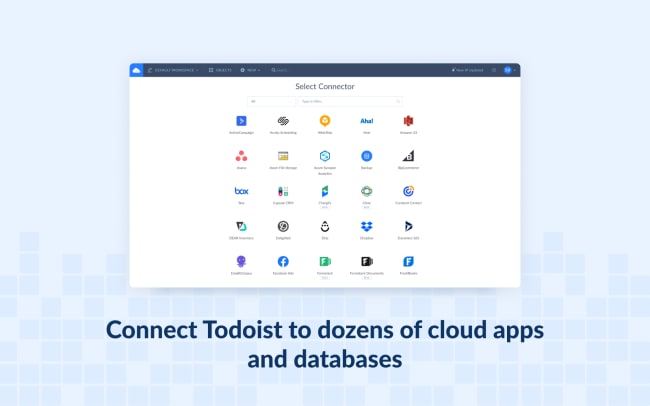
Skyvia is a powerful data platform for a wide range of data-related tasks. It allows you to integrate Todoist with many cloud applications and databases without coding. Automate data flows without the need for programming knowledge. Keep your Todoist tasks connected with other cloud apps and databases, like Google Calendar, Slack, Google Sheets, Asana, and more, with no effort.
Funktioner
-
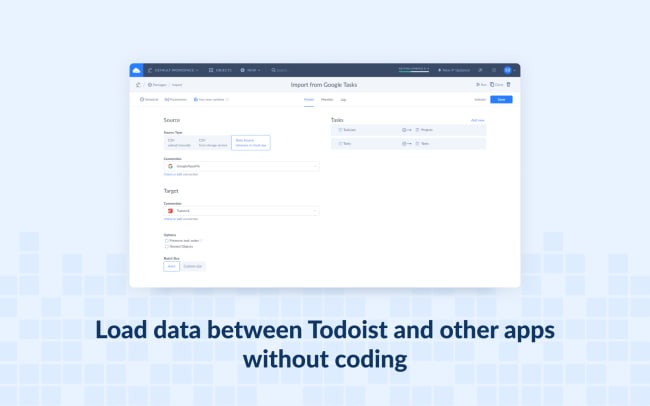
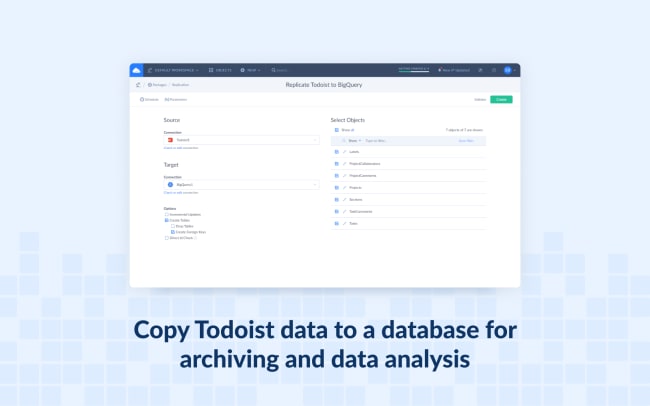
Integrate and sync data between Todoist and other data sources directly or via CSV files. Easily create a copy of Todoist data in a relational database.
-
Publish Todoist data via no-coding web API endpoints.
-
Create OData endpoints and share data via standard OData protocol, or create SQL endpoints with custom API that allows SQL execution over the web (with ODBC driver, ADO.NET provider, and Google Data Studio connector available).
-
Query your Todoist data online via SQL or with a visual query builder using advanced filtering, aggregation, and other features, and export reports as CSV.

Can’t find the integration you’re looking for?
Integrate with thousands of other apps via our automation partners. Or, explore our API to build your own extensions or integrations.