
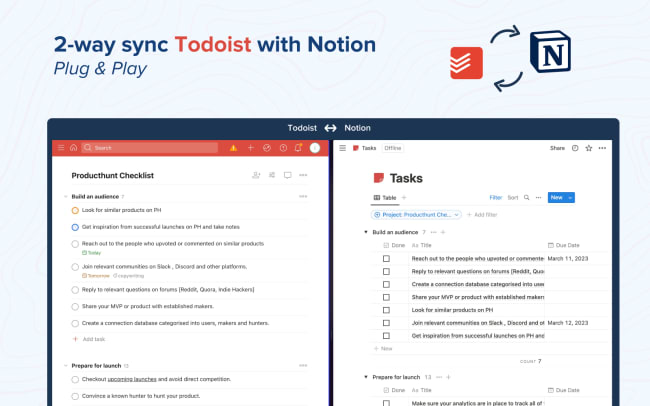
Struggling with juggling tasks in different apps? 2sync integrates Todoist with Notion, simplifying your task management. This integration automatically mirrors tasks between the two platforms. Add a task in Todoist, and it instantly appears in Notion, and vice versa.
This seamless synchronization means no more duplicated effort or missed deadlines. With 2sync, your task management is efficient and streamlined, saving time and reducing stress. Simply link your Todoist and Notion accounts to 2sync, and watch your productivity soar.
Funktioner
-
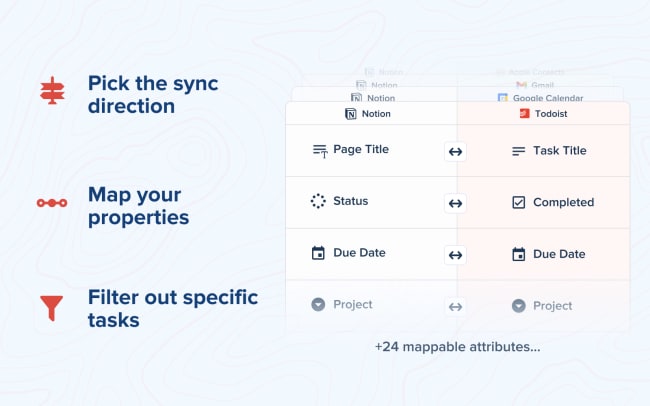
Connect any Notion property with Todoist attributes.
-
Choose the sync direction so that the information goes one-way or both.
-
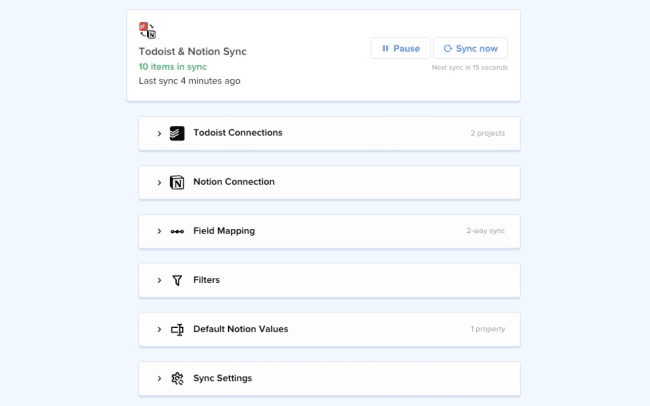
Set static values when a new Notion entry is inserted from Todoist.
-
Sync entries only when certain conditions are met. This will ensure that only the information that matters will be synced to your Notion (and vice-versa).

Can’t find the integration you’re looking for?
Integrate with thousands of other apps via our automation partners. Or, explore our API to build your own extensions or integrations.