
How to Centralize Your Tasks When You’re Using Too Many Apps
What to do when your productivity apps are making you less productive
Nobody has just one to-do list. You might have a place where you add tasks in the morning and dutifully check them off as the hours tick by each day. But most of us have a few different places where our tasks arise, seemingly from thin air, commanding our attention and taking up space in our minds. Emails brimming with requests, work messages demanding deliverables, and last-minute meeting invitations serve as unofficial to-do lists that expand everything we need to get done in a day.
These tasks arrive hour-by-hour, minute-to-minute, as our inbox counter goes from 12 to 20 and a stream of notification bubbles ironically obscures the calming background we chose for our phone. Instead of working through tasks with intention, our days become a game of whack-a-mole as we try to keep up with all the tasks that pop up across our inboxes, calendars, and communication tools. At the end of the day, it’s hard to say whether we came out ahead or behind.
While productivity apps have streamlined the way we work, studies have shown that using too many apps makes us less productive, more stressed, and increasingly prone to procrastination. A 2017 survey, “The False Promise of the App Economy”, revealed that knowledge workers generally feel frustrated by the many apps they’re required to use at work, preventing them from focusing on more important tasks. The majority of respondents would prefer to have all the crucial information they need in one place.
Unfortunately, multiple apps have become a modern day necessity that’s likely here to stay. However, in what ways might our productivity improve if we could centralize our multiple to-do lists ––– tasks managers, emails, calendars, communication apps, notes ––– into a single to-do list?
In this article, we’ll discuss the benefits of centralizing your tasks in an age of app overload and how you can integrate Todoist with your favorite tools to create a central hub for planning your day and getting things done.
Whittle your productivity stack down to the essentials
Productivity is about simplicity; we get more done when we streamline the way we handle our tasks. Still, we’re left with a question: How many apps do we really need to do our work?
Carl Pullein, a productivity and time management coach, provides a good rule of thumb: one app for one type of work. If you’re constantly forgetting where you saved a note, or checking multiple calendars for your next appointment, it’s probably time to reevaluate your current stack of productivity tools and whittle it down to a manageable size.
Start by reviewing the kinds of information you usually deal with based on the type of work you do, and stick to one app for each category. For example, a typical productivity tech stack for a copywriter working in a marketing agency might consist of:
A to-do list app
A calendar app
A note-taking app
A writing app
An email app
A team messaging app
A project management app
App callout note: Build your productivity tech stack with these...
But even a “minimalist” productivity stack following Pullein’s rule leaves you with 7 apps! How can you get an accurate overview of your workload and feel confident that everything is accounted for when you have to check seven different places for incoming tasks?
Luckily, connecting all of your apps to a single to-do list is simple. Instead of bouncing between different apps, you’ll start each day with one central “command center” that has the power to improve your productivity.
Benefits of centralizing your to-do list
1. Saves you valuable time
The average knowledge worker spends up to 32 days per year just navigating between apps. Having a central to-do list can add more hours to your day by automating a manual process. Whether you need to edit a task’s due date or mark it as complete, you no longer have to sift through every single app in your digital toolkit to make the same changes. By integrating your task manager with the rest of your productivity tools, any important updates in one place will be automatically synchronized on all other platforms. This way, you can free up your time for what matters most.
2. Improves your focus by eliminating distractions
Switching from one app to the next, guided thoughtlessly by new notifications, breaks our concentration and erodes our productivity. In a study that analyzed 5 million hours of employees’ desktop activity, researchers found that the average employee switches between 35 apps more than 1,100 times a day. Unfortunately, trying to focus and get back on task can take up to 25 minutes, the context-switching fee we pay for distraction. An experiment conducted by Gazzaley proved that “spaces filled with visual distractions force our brains to work harder to filter out superfluous information.” Too many apps filling up your digital environment is more than just a visual nuisance. It can impact your mental performance and, as a result, compromise the quality of your work.
When it comes to managing your tasks, having everything in one place spares you the cognitive costs of unnecessary digital distractions and makes it easier to enter a flow state and set yourself up for focused work.
3. Easier to prioritize your tasks
Prioritization is a key element of productivity, particularly when you have to decide between doing what’s urgent and doing what’s important. It’s even harder to prioritize when you have more than one to-do list piling up in different places. This can result in missed deadlines, overlooked projects, and time spent on less important things.
When you keep all your to-dos centrally organized under a single master list, it’s easy to see the big picture and distinguish the most important tasks over the less important ones. You can better visualize your workload and set up a prioritized list that puts your most impactful tasks front and center.
4. Helps you track your progress across projects
Measuring our progress, no matter how small, increases our chances of achieving our goals. This explains the surge of dopamine we get from crossing off an item on our to-do list. But if your tasks are spread across your email, team messaging app, and various documents, it’s hard to look back and see the big picture of what you’ve accomplished.
It’s easier to measure real progress if you use a dedicated app for all your tasks. You can also use it to analyze your performance on completed tasks across different projects and see which areas of your work have room for improvement. Some task management apps use gamification or a points system to spark a sense of accomplishment as you get closer to your goals.
App callout note: Todoist Karma lets you accumulate Karma points...
How to centralize all your tasks in Todoist
There are several integration platforms you can use to connect Todoist with the rest of your apps containing your tasks (e.g. calendar, email, team chat app, notes app, etc). With tools like Zapier, Pleexy, and IFTTT, you can get the most out of Todoist by automating your entire task management process.
Here are some of the integrations you can use to bring all your tasks into your to-do list:
1. Integrate Todoist with your note-taking apps
You’re bound to come up with a to-do item when taking down notes, which is why it only makes sense to channel to-dos from your notes into your task manager.
Zapier is an automation tool that lets you link Todoist with various apps through customized workflows called “zaps.” You can create your own zap that enables the creation of tasks in Todoist from new notes added in popular note-taking apps like Evernote, OneNote, Zoho Notebook, and Intellinote.
After setting up zaps to bring your notes into Todoist, you can experiment with the triggers that may be part of your usual note-taking process. Here are some handy zaps you can try:

Create a new Evernote notebook from a new Todoist project

Create a note in a section in OneNote from a new Todoist task

Create new Todoist tasks from new note cards in Zoho Notebook

Add new note comment in Intellinote as task comment in Todoist
Pleexy is another integration tool you can use that was built exclusively for synchronizing tasks across apps. This means you can connect your apps to your task manager without creating a set of workflows using multiple recipes.
Connect your Todoist account with Evernote or OneNote and choose which notes to bring into Todoist, how tasks are created, and what happens when you make changes to your tasks on either side of the integration.

Choose which notes and to-dos you want to sync with Todoist
After setting up a connection between Todoist and your chosen note-taking app, your tasks will remain synchronized between both applications.
2. Integrate Todoist with your email
Using your inbox as a to-do list means easily getting sidetracked by each new email that pops up.
With Todoist’s email plugins, you can easily turn emails into Todoist tasks. The tasks will link back to your emails so you can quickly respond to them without sifting through your inbox. Just install Todoist’s add-ins for Gmail and Outlook or use third party integrations from other email apps including Airmail, Mailbird, Missive, and Spark. If you use another email client, simply forward emails to Todoist using a forwarding email address Todoist generates for each project.
Another option for integrating Todoist with your email is Pleexy. Using Pleexy to connect Todoist with Gmail or Outlook will create tasks in your chosen Todoist project from new and existing starred emails in Gmail or flagged emails in Outlook.

Choose tasks from your emails to sync with Todoist
You can choose how to synchronize other details from your tasks, such as labels, priority level, and email body. From there, you can track all your tasks in Todoist and ensure any changes are synchronized between both apps –– according to your preferences.

Synchronize labels, priority level, and email body between Gmail and Todoist
Another connectivity platform you can use for integrating Todoist with your email client is IFTTT. It works in the same way as Zapier, letting you automate processes between two apps through conditional statements called “applets.”
IFTTT has an applet that works by creating Todoist tasks from your email.
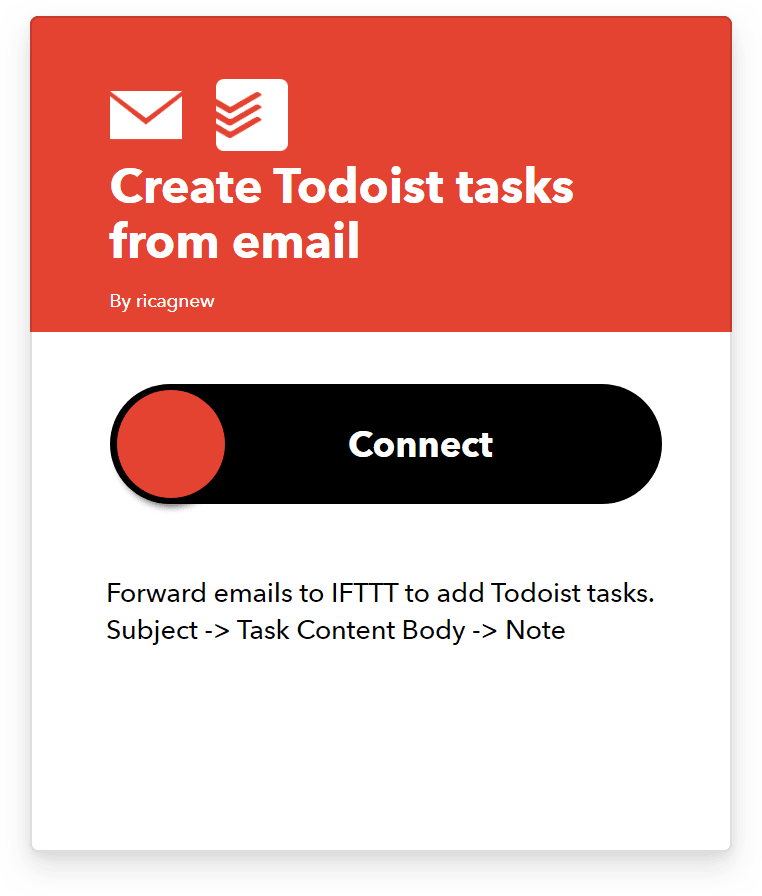
Create Todoist tasks from your emails
Whenever you forward an email to the given IFTTT email address, the email will be automatically converted into a task in Todoist.


Forward any email to IFTTT and watch the task appear in Todoist
Zapier also provides several different zaps you can use to bring new tasks from Gmail to Todoist, depending on how you organize tasks from your emails.

Create new Todoist tasks from new labeled emails

Create new Todoist tasks from new starred emails

Add new email attachments as comments to Todoist tasks
After completing a task in Todoist, you can set up a zap that sends out an email notifying your recipient about what you’ve accomplished. You can further control how the email will look like by customizing the content you’d like to include.

Send an email after completing a Todoist task

Customize your email about the completed Todoist task
3. Integrate Todoist with your project management apps
If you use Trello, Asana, Monday.com, or Basecamp for managing individual or team projects, you can use Pleexy to channel your tasks from these apps into Todoist. After linking Todoist with your chosen project management app, select which projects, boards, or lists Pleexy searches for tasks, and define how the tasks are created and organized in Todoist.

Specify which Trello tasks to sync with Todoist
You can also combine tasks from different sources in the same project. For example, tasks from a “Marketing” board in Trello and notes from a “Marketing” project in Basecamp will be brought into a single Todoist project with the same name.
You can choose how to synchronize the status of your tasks between both ends of the integration and synchronize important details like labels, due dates, and task descriptions.

Synchronize labels, due dates, and task descriptions between Trello and Todoist
With Zapier, you can use a combination of zaps to bring all of your tasks from team projects into one place. Apart from the previously mentioned project management tools, Zapier lets you connect Todoist with ClickUp, Teamwork Projects, and Podio. Here are some of the zaps you can use to add your tasks to Todoist:

Add new tasks from Podio to Todoist as tasks

Create new tasks from new Teamwork Project tasks

Add new tasks from ClickUp to Todoist as tasks

Create new tasks in Todoist from Basecamp 2 to-do items
To customize your integration further and create a two-way sync between your apps, create another set of zaps to ensure that changes made in Todoist are copied on the other end of the integration. Here’s a sample automated workflow between Todoist and Asana:

Create new Asana projects from new projects in Todoist

Create new Asana tasks from new Todoist tasks

Mark Asana task as complete when task is completed in Todoist
4. Integrate Todoist with your calendar app
Even if you’ve carefully planned your day ahead of time, it’s easy to get bogged down by appointments created outside of your to-do list. In order to set a realistic schedule for yourself, you can use Zapier, IFTTT, or Todoist’s Google Calendar integration to add your scheduled meetings and other appointments into Todoist.
App callout note: Connect your tasks to Google Calendar with...
You can also install these IFTTT applets to create a two-way sync between Todoist and Google Calendar. IFTTT automatically turns each new Google Calendar event into a new Todoist task and vice versa.
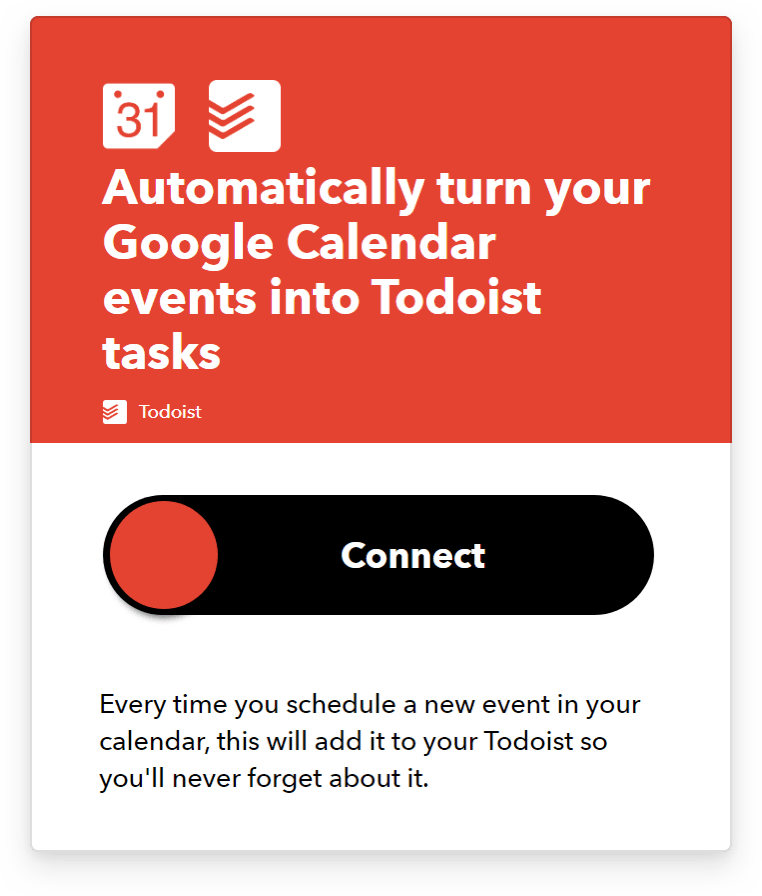
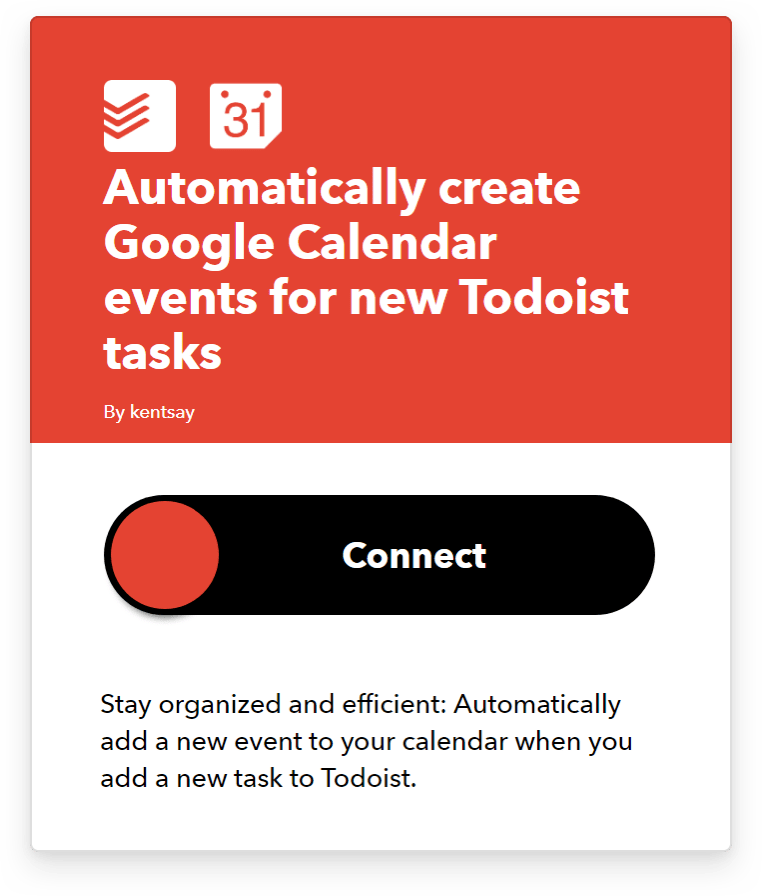
Create a two-way sync between Todoist and Google Calendar
If you use Outlook Calendar to manage your appointments, use this applet to automatically create Todoist tasks from your Outlook Calendar events:
Add Outlook Calendar events as tasks in Todoist
In the same way, you can use Zapier to integrate Todoist with your preferred calendar app and get a complete picture of your commitments for the day. Using any of these zaps, you can set up appointments from your Todoist or your calendar and manage all of them from a single place.

Create Todoist tasks from new Outlook events

Create Outlook events from new Todoist tasks

Create Todoist tasks from new Google Calendar events

Create Google Calendar events from new Todoist tasks
5. Integrate Todoist with your team’s communication tools
If your team uses a collaboration platform to work on shared projects, you can funnel your tasks into Todoist and get an overall view of what you have to do within and outside your team projects.
Integrate Todoist with Twist and get automatic updates from Todoist projects in your Twist threads. If your team uses Slack to collaborate, use Todoist’s Slack integration to create, assign, and complete tasks from any Slack channel or direct message.
With Zapier, you can link Todoist with Confluence. Set up this zap to automatically create a Todoist task from a new page in Confluence:

Create a Todoist task from a new Confluence page
If you use Airtable for managing databases, use this Zap to create new Todoist tasks from new Airtable records:

Add new Airtable records to Todoist as tasks
Another popular collaboration tool you can connect with Todoist is Jira. Use Pleexy to create Todoist tasks from your issues in Jira. Customize your connection by defining how Pleexy searches and creates tasks in Todoist, and then specify how changes will be synchronized between both apps.

Specify which issues will be created as tasks in Todoist
When you integrate Todoist with your most commonly used productivity apps, you gain both a single source of productivity truth and peace of mind. With a centralized view of your tasks from team projects, you can stay on top of your work without losing sight of anything important.
To derive real value from the productivity apps we use, the best thing we can do is leverage the platforms built for them to communicate with each other and choose a dedicated central hub where we can manage all of our tasks, wherever they’re from.