
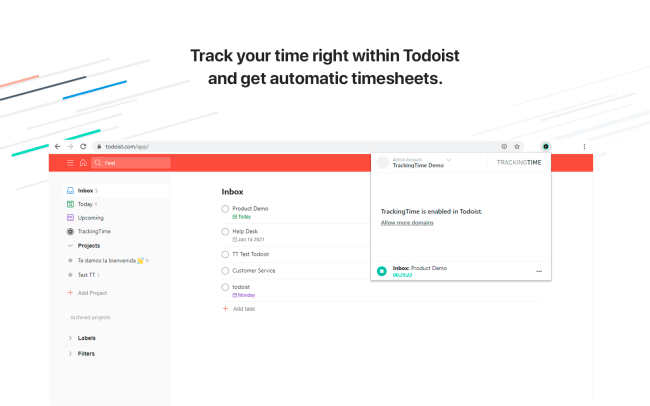
Track your time right within Todoist.
Install the TrackingTime Extension for Chrome or Firefox to get automatic timesheets and enjoy TrackingTime’s in-depth time analytics.
Features
-
Track time without leaving Todoist.
-
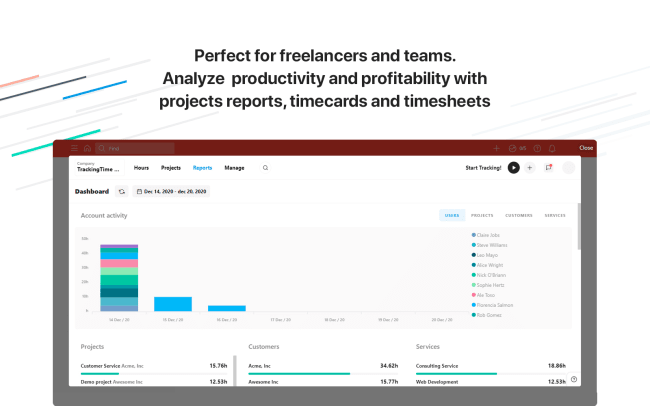
Easily access projects reports, timecards, and timesheets — perfect for freelancers and teams.
-
Analyze your productivity and profitability.
-
Share cool reports with your clients.

Can’t find the integration you’re looking for?
Integrate with thousands of other apps via our automation partners. Or, explore our API to build your own extensions or integrations.